 01
The work
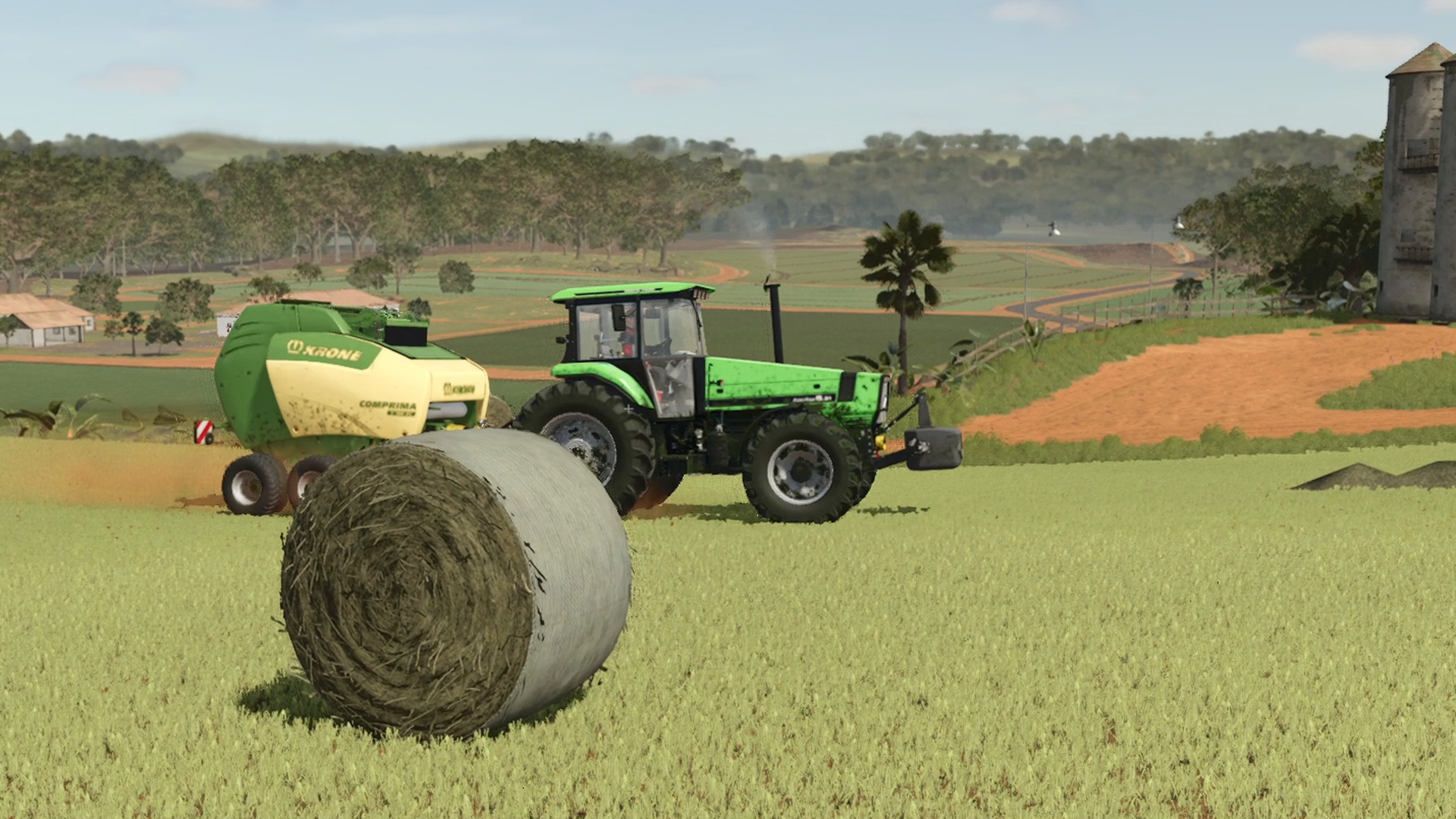
Follow yourself or your hired workers through 93 shots: sweeping drone moves, cab views, close-ups and cameras riding with the tractor.
THE MACHINES. THE PEOPLE. THE MOMENT.
FARMING SIMULATOR 25 · CAMERA MOD
You do the farming. Let the camera find the story.
Film-style shots of you, your workers and the land you call home. Made for the moments worth keeping.
Free on itch.io · Windows & macOS · Requires FS25
01 / FIND YOUR PERSPECTIVE
Cinematic Cam takes over the in-game camera and cuts between shots while the work carries on. Choose your subject, set the pace, and let it roll.
01Follow yourself or your hired workers through 93 shots: sweeping drone moves, cab views, close-ups and cameras riding with the tractor.
THE MACHINES. THE PEOPLE. THE MOMENT.
02Give the field you’re standing at its own sequence. Around two minutes of camera work, drawn from 26 moves.
LET THE LANDSCAPE TAKE THE LEAD.
 03
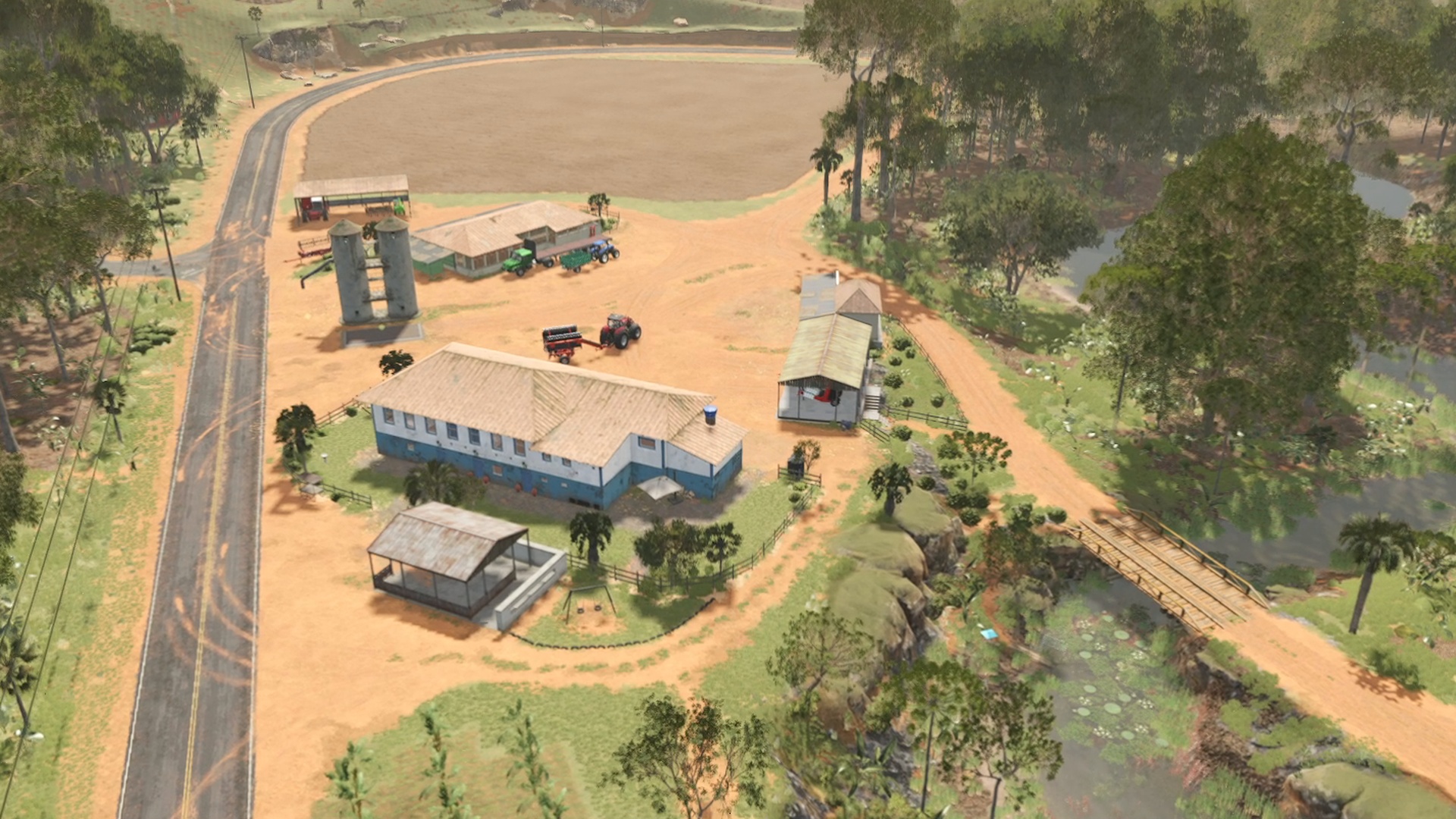
Pull back and show the whole farmland plot. Fly above the trees for around two minutes of farmyards, woods and meadows.
THE BIGGER PICTURE OF YOUR FARM.
02 / THROUGH THE LENS
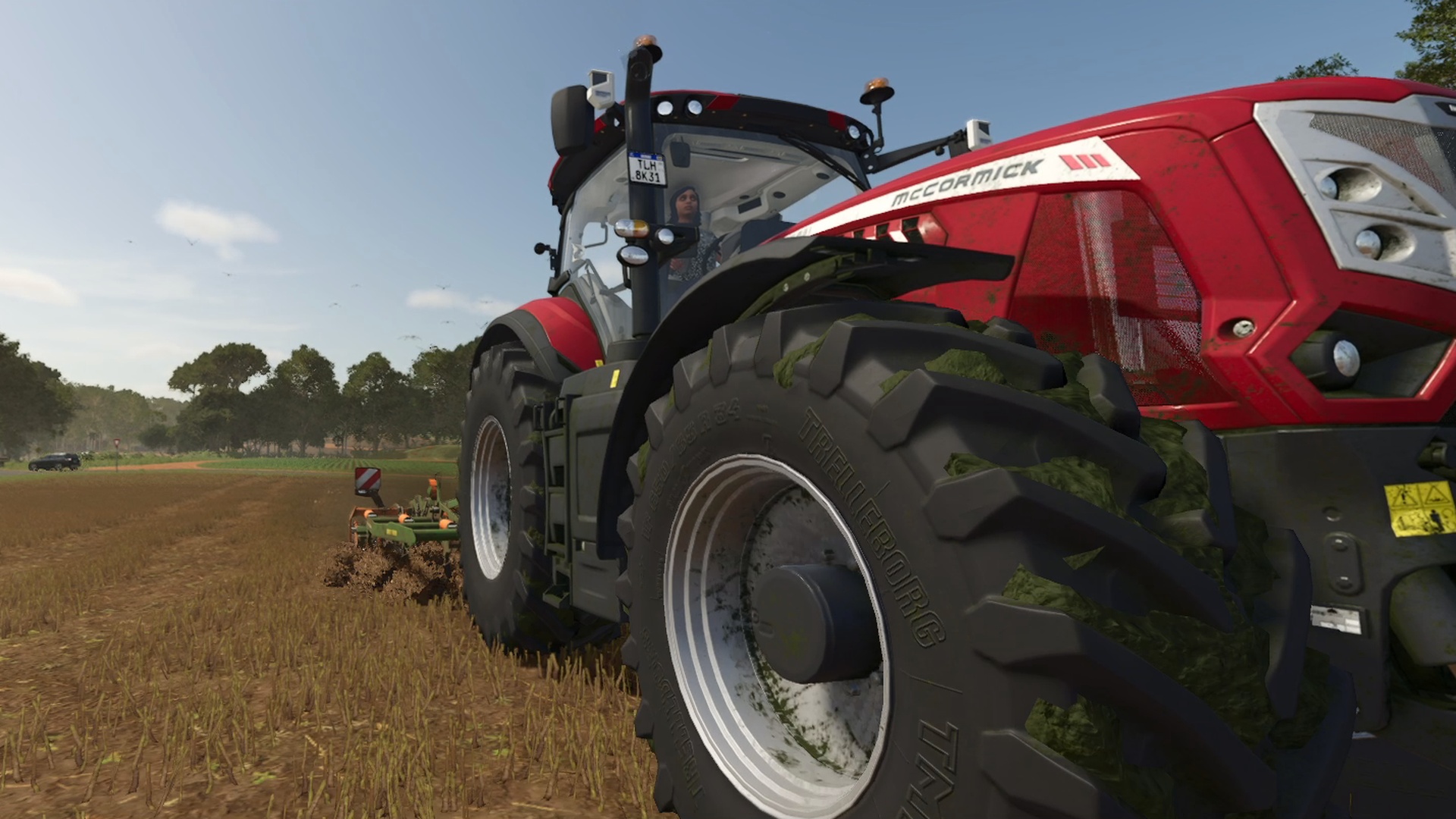
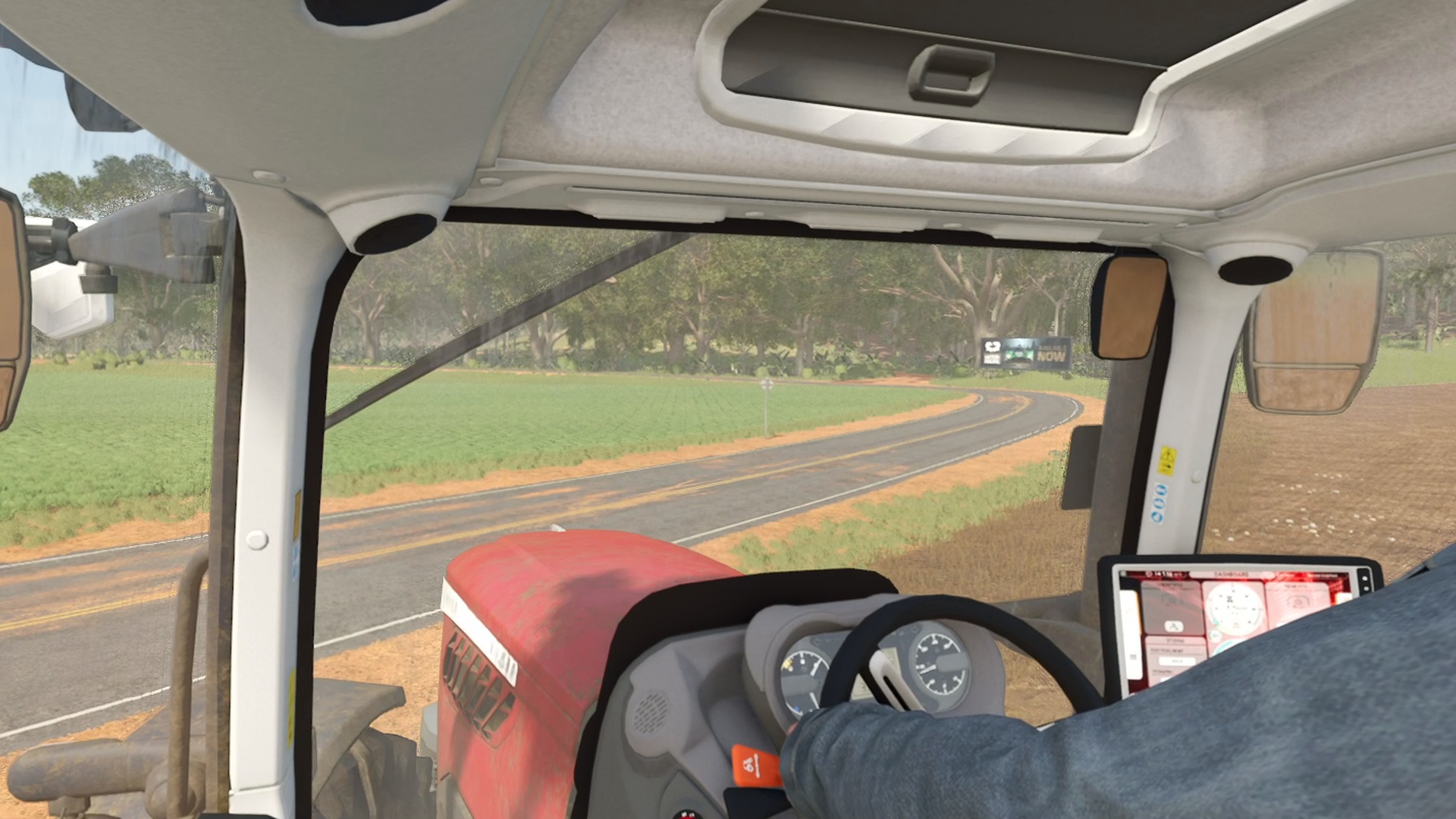
From the driver’s shoulder to the ground beneath the wheels. Real in-game stills from Cinematic Cam. Select an image to see the full frame.
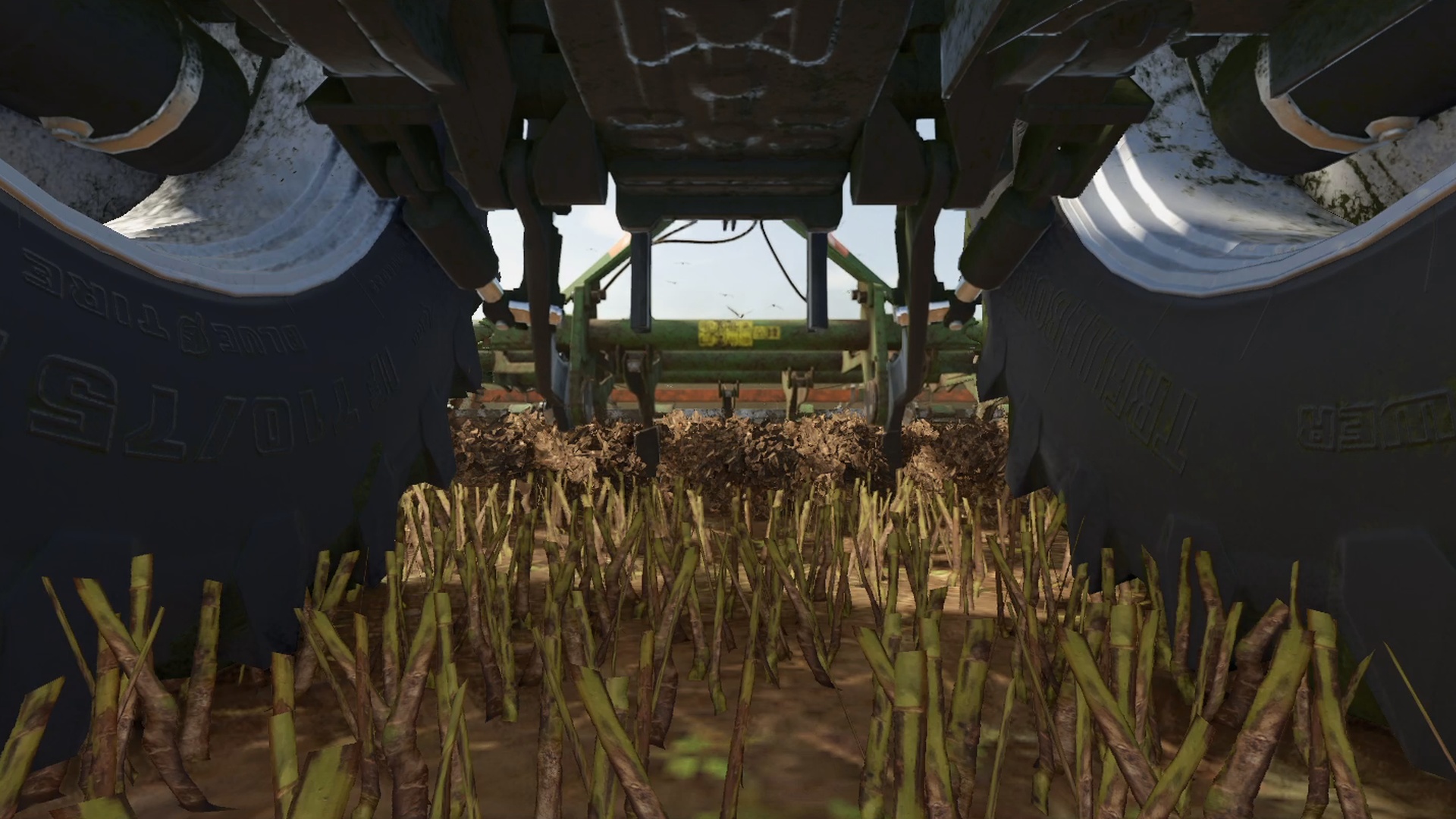
BUILD YOUR VISUAL LANGUAGE
Drone orbits / Fly-bys / Cab views / On-board cameras / Wheel close-ups / Dolly zooms / Whip pans / Slow & scenic
03 / CALL THE SHOTS
Open the menu with Ctrl + Shift + C. Choose who to film, your shot collection and the seconds between cuts. Start or stop a sequence from the same menu.
Assign your own shortcuts for these actions in the game’s Controls settings. Only the menu has a default key binding.
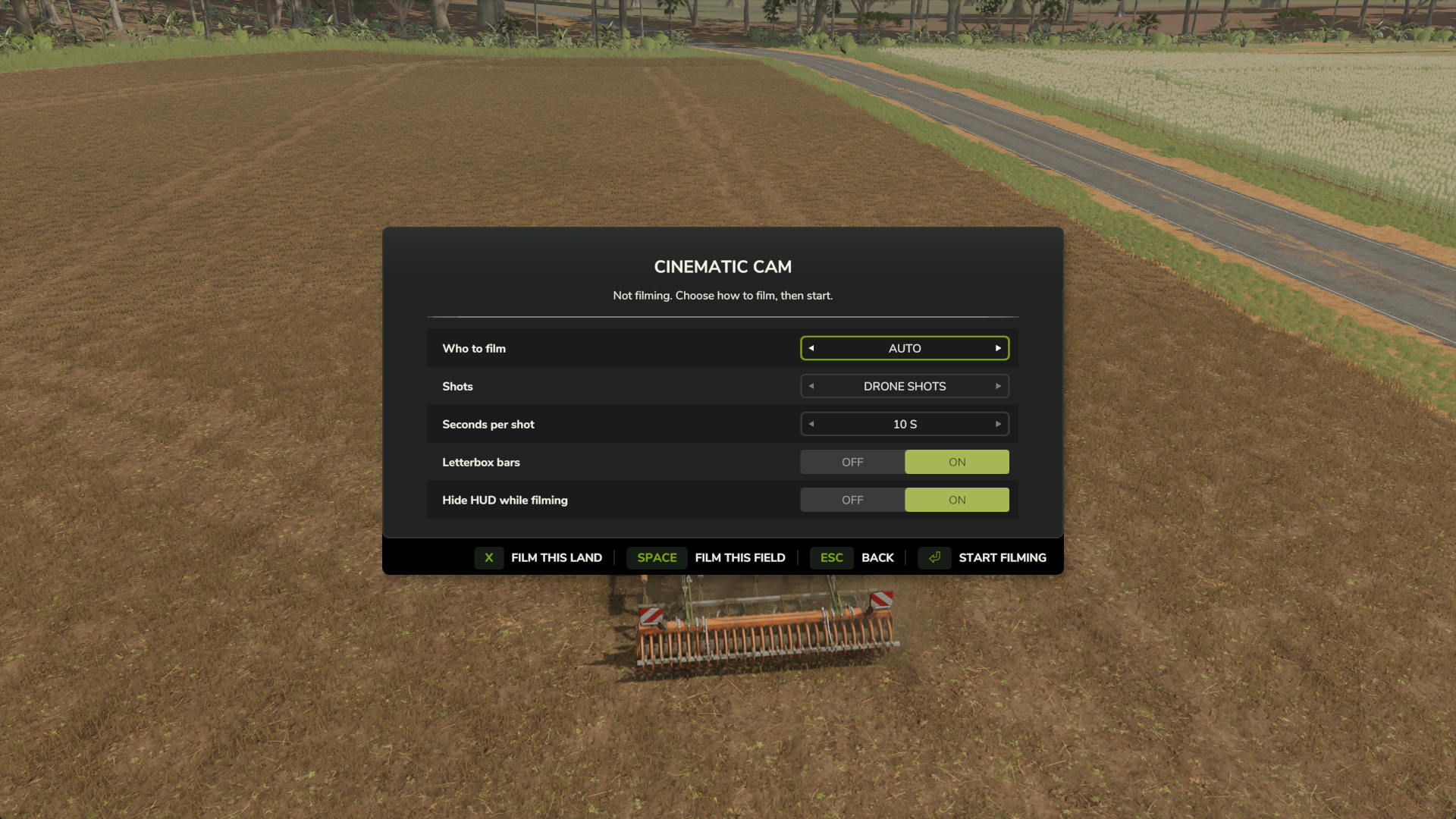
More options live in Settings → General → Cinematic Cam, including sequence length, the optional 30 fps lock, zoom detail and on-screen messages.
04 / READY WHEN YOU ARE
Download FS25_CinematicCam.zip from the official itch.io page. Keep the file zipped.
On Windows, place it in your mods folder:
Documents\My Games\FarmingSimulator2025\modsUsing macOS or a custom game folder? Use your FS25 mods folder instead.
Tick Cinematic Cam in the mod list when loading your save. Open Ctrl + Shift + C, choose a mode and start your external recorder when you’re ready.
BEFORE YOU ROLL
No. Cinematic Cam controls the in-game camera. Use your own recording software, such as OBS or ShadowPlay, to save footage, then edit the moments you want to keep.
The itch.io release is listed for Windows and macOS. You need Farming Simulator 25 to use the mod. English and German are included.
The mod supports multiplayer and changes your own camera. Other players’ views are not directed by your camera sequence.
Yes. Pick a shot collection and seconds per shot in the Cinematic Cam menu. Field and land sequences run for about two minutes by default; adjust their length under Settings → General → Cinematic Cam. Their actions can also stop a sequence early.
The mod offers filming options such as a 30 fps lock, more detail when zoomed and sharper shadows. Your own graphics settings return when filming stops. These are optional settings, not a promise of improved performance.
Visit the official itch.io page for the download and comments. You can also find WizardlyPayload on YouTube.
MADE BY WIZARDLYPAYLOAD
Free to download. Yours to create with.